Received Digital logo
HomeHow It WorksFeatures
Blog
Log InSchedule a Demo

Features for maximizing mailroom efficiency

Received Digital is built to support the modern mailroom with features that enhance operations and boost organizational productivity.
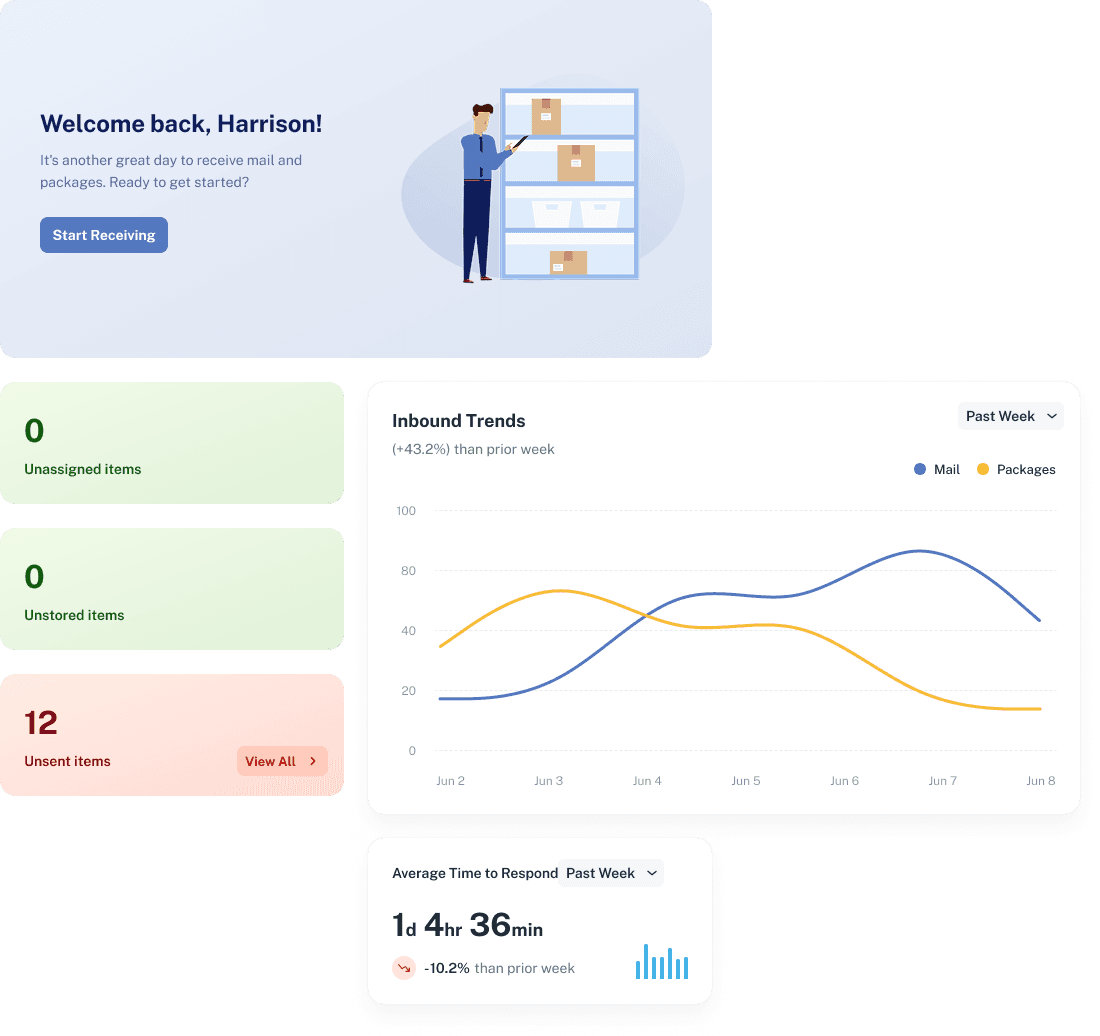
Easy IntakeAutomated NotificationsRecipient InteractivityManaged FulfillmentEnterprise Security Control
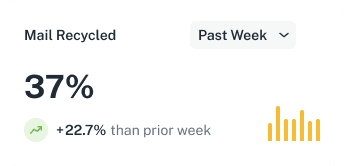
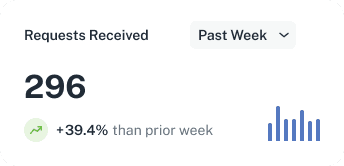
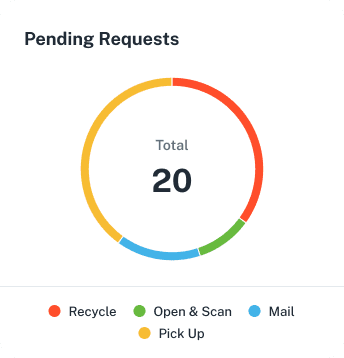
Dahboard widgetsPending Requests widgetMail Recycled widgetRequests Received widget

Easy Intake

Receive and distribute mail and packages with a new level of efficiency and accountability with Received Digital.
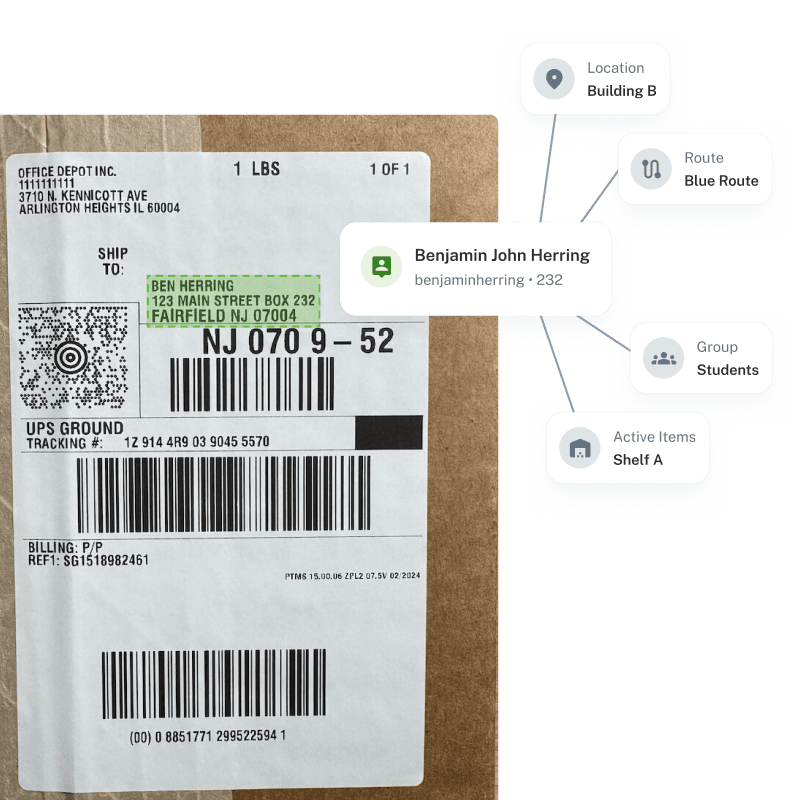
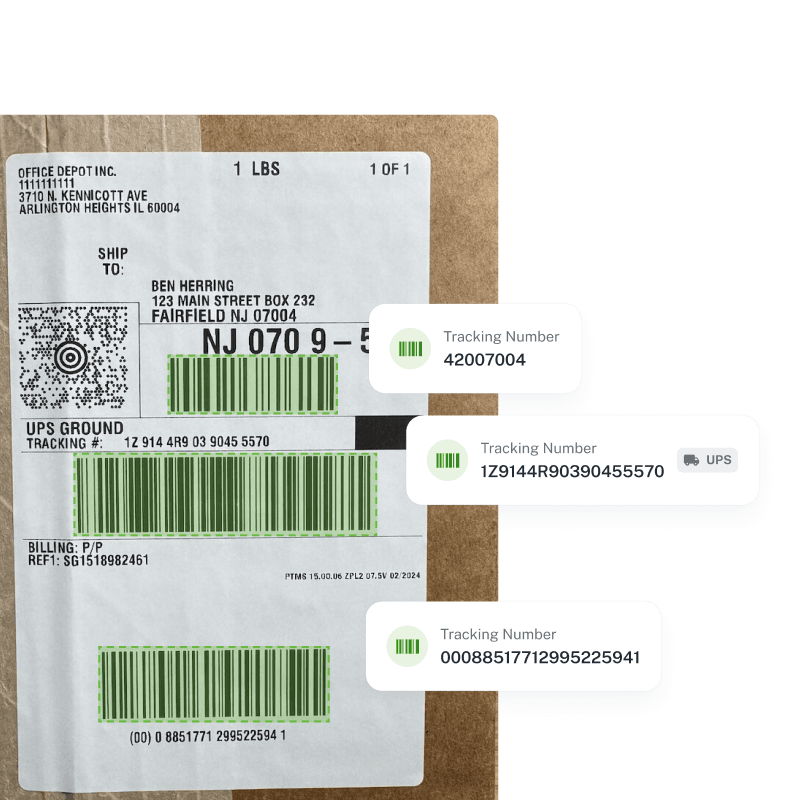
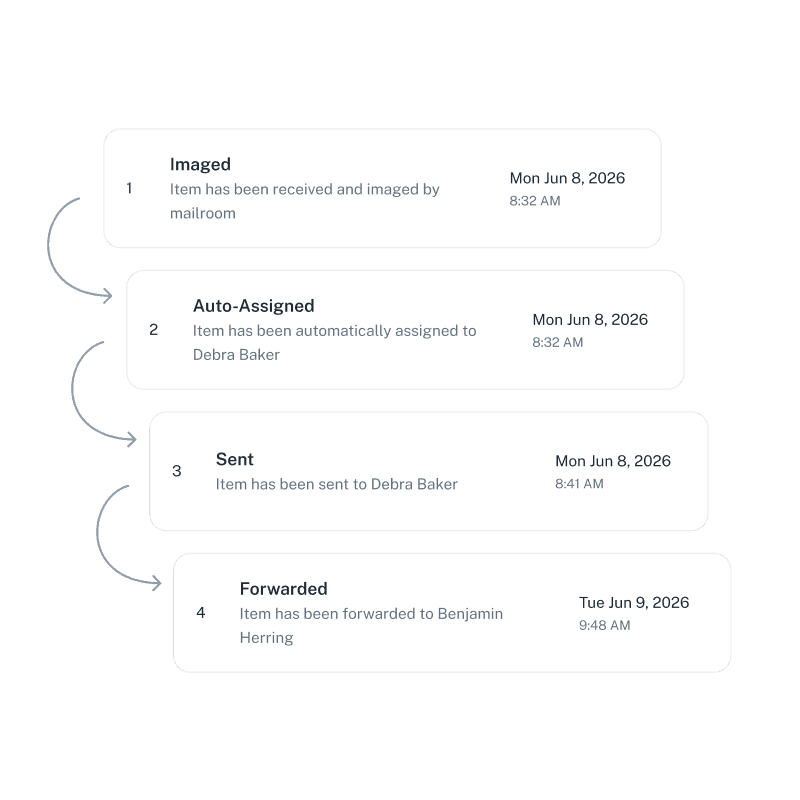
Recipient information highlighted on package labelBarcodes highlighted on package labelList of item history events

Automated Notifications

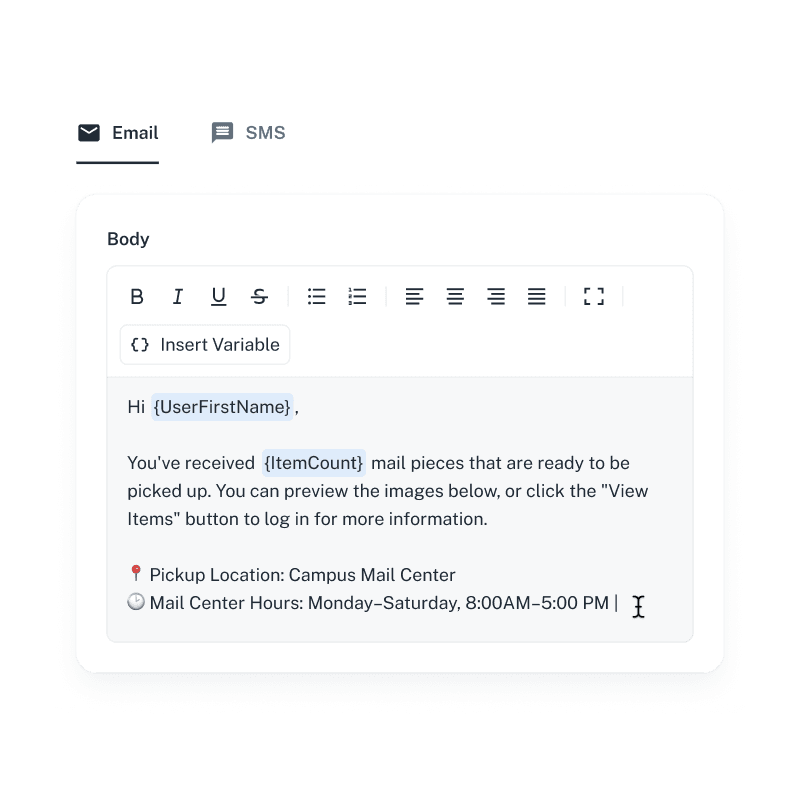
Change recipient behavior to improve responsiveness with automated notifications and reminders that are tailored to meet the needs of your mail center.
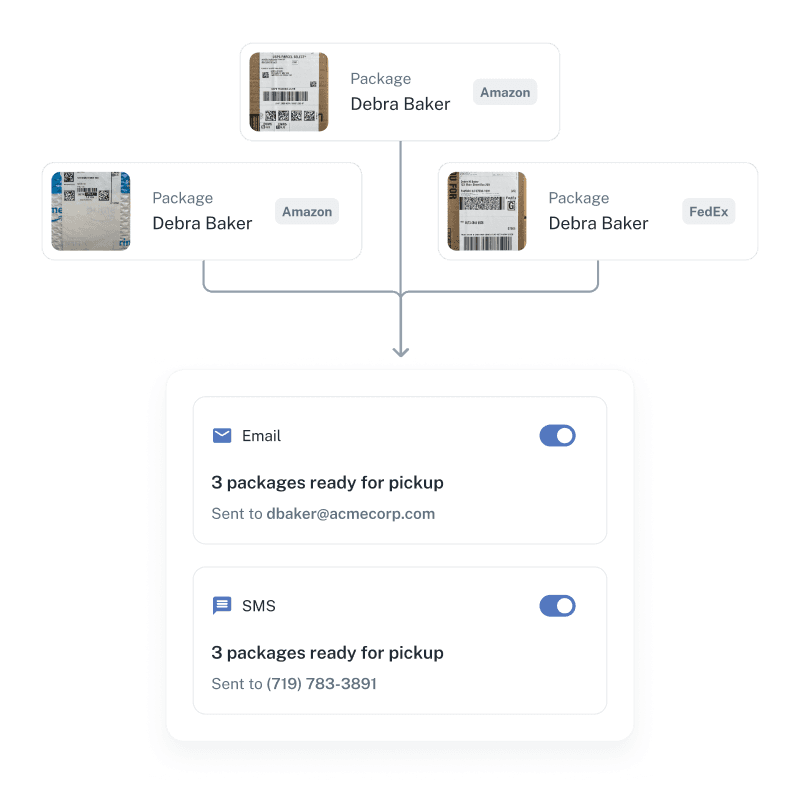
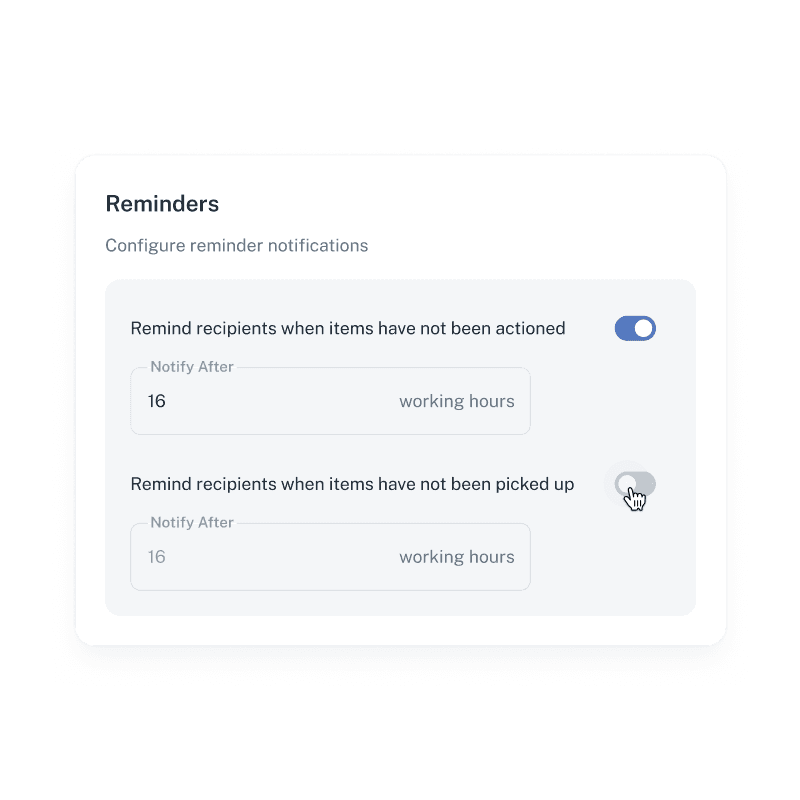
Package notifications diagramReminder notification settingsUsers relationship diagramEmail notification editor

Recipient Interactivity

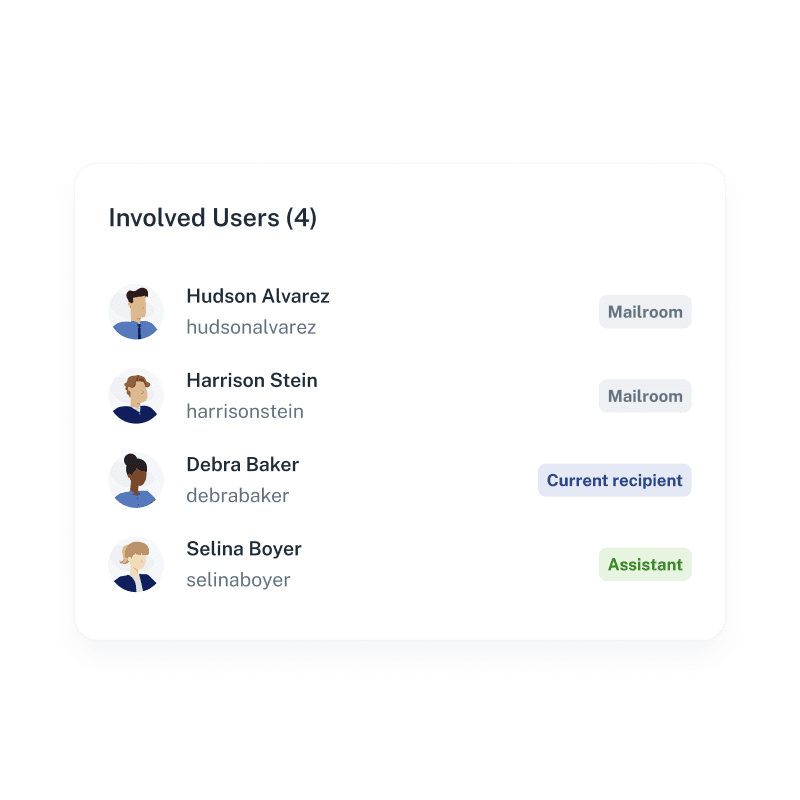
Keep recipients and mailroom operators connected with seamless communication and time-saving self-service tools.
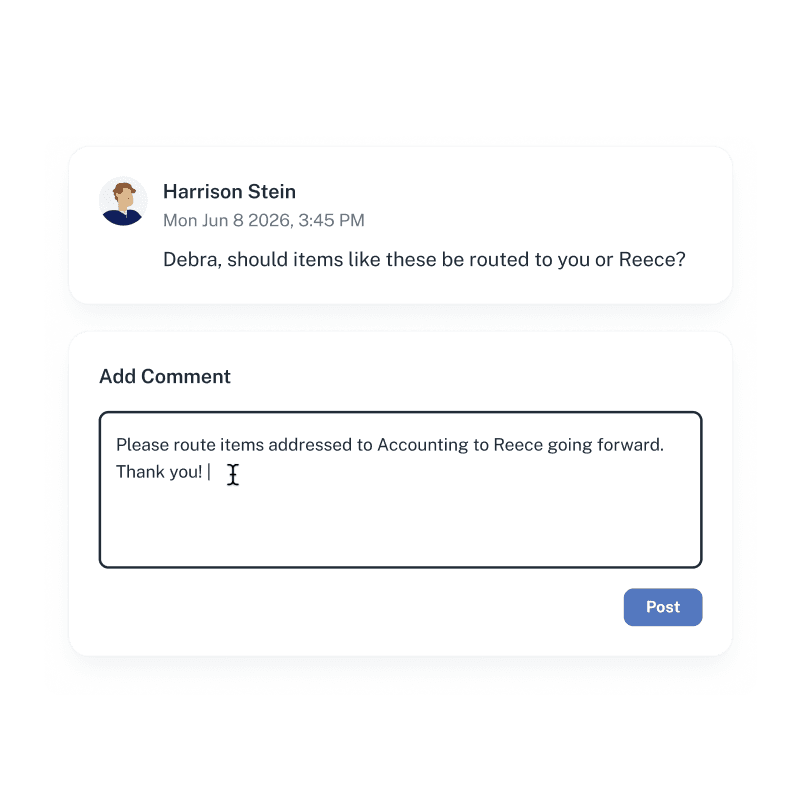
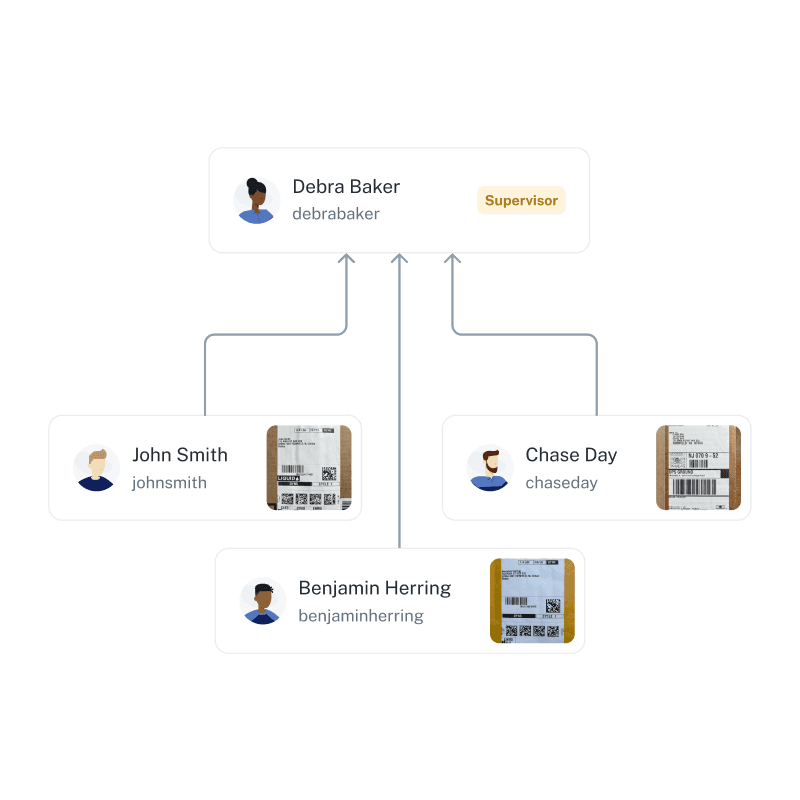
Comments about item receivedList of involved users

Managed Fulfillment

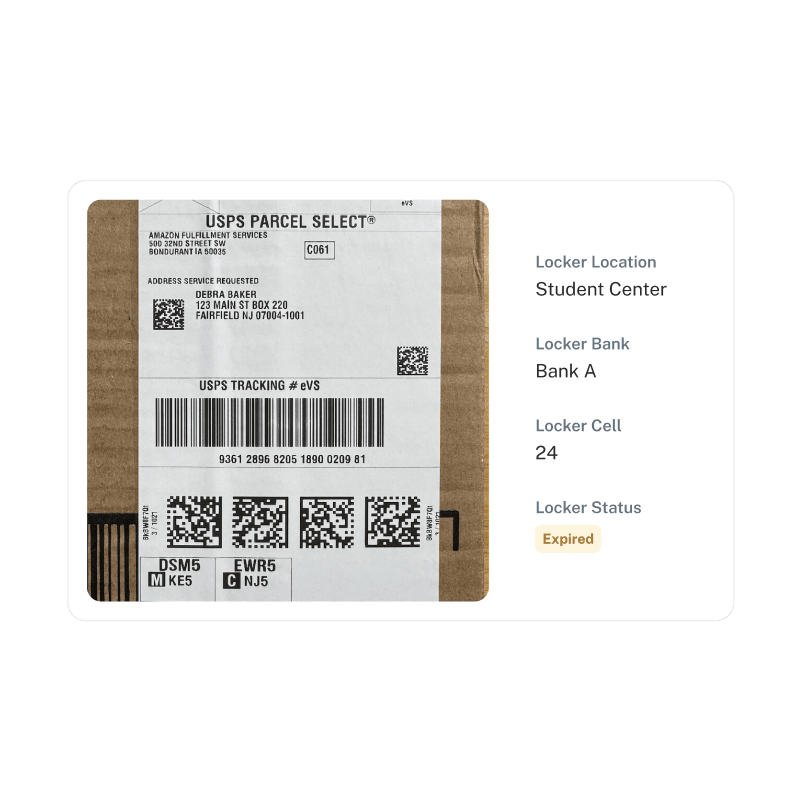
Received Digital streamlines every step of the fulfillment process, ensuring items reach recipients efficiently and with full accountability.
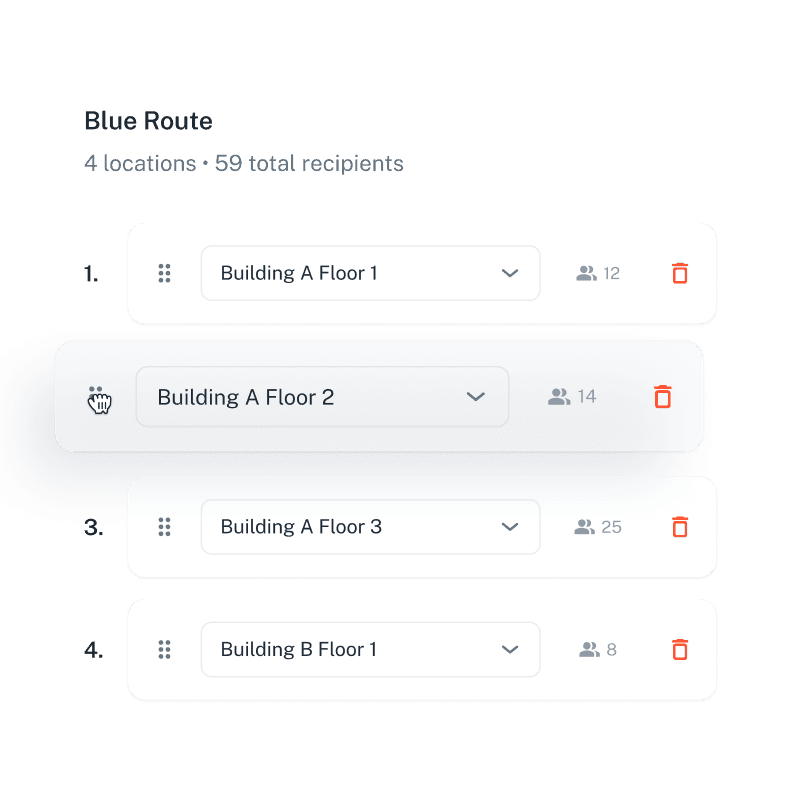
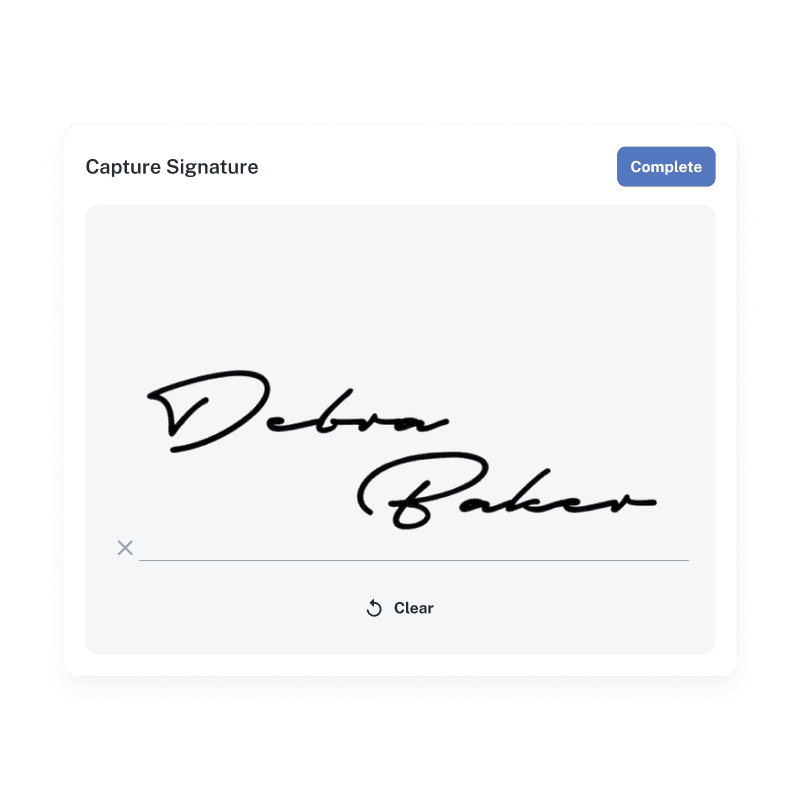
Route managementSignature capture boxPackage with smart locker details

Enterprise Security Control

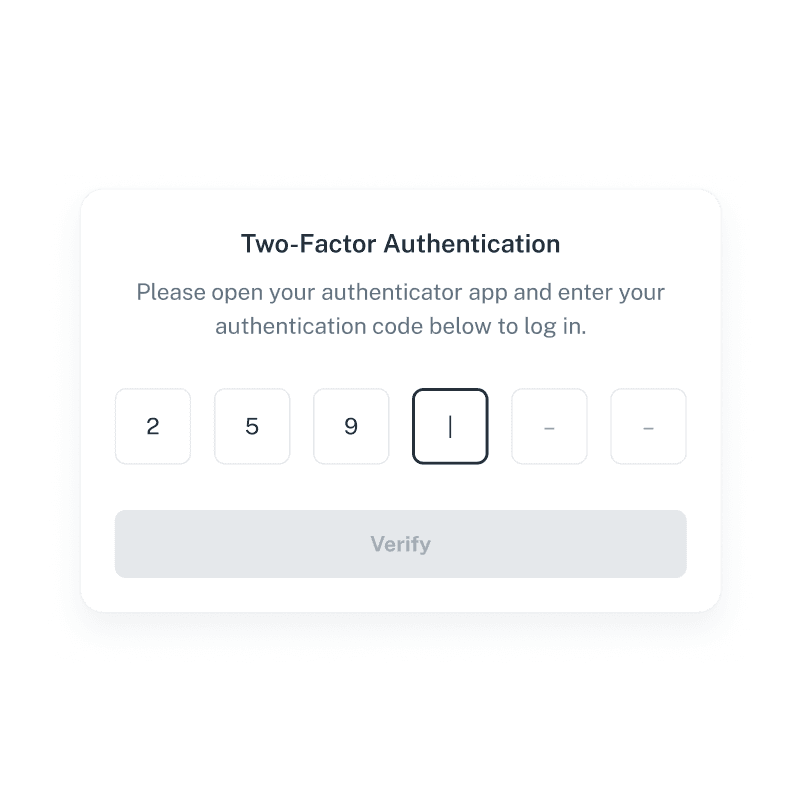
Managers and administrators can be confident that mail and package data remains protected while members of the organization have appropriate access.
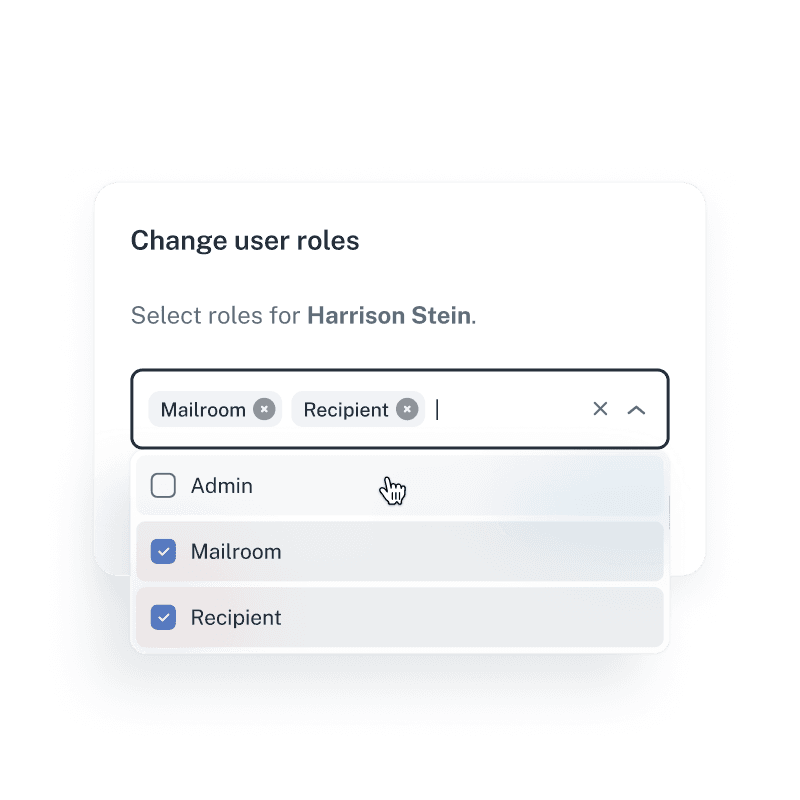
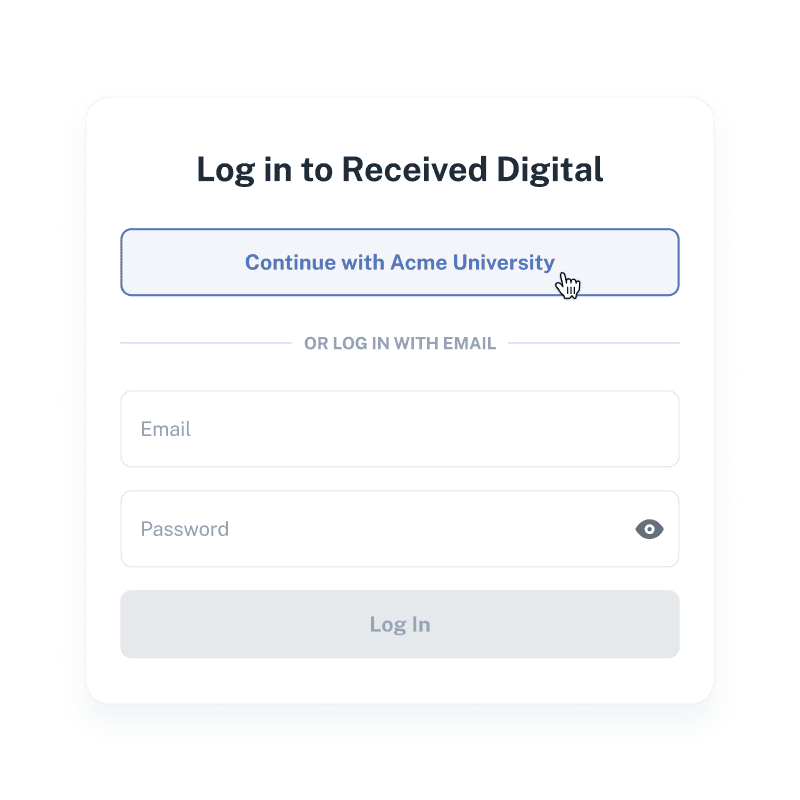
User roles selection dialogSingle sign-on login buttonTwo-factor authentication code input

See how we compare to the competition…

Legacy Systems

OCR Systems

Intelligent Automation

Players

SC Logic, Pitney Track, Brynka, SQBX

QTrak, Notifii, PackageX, Parcel Tracker

Received Digital

Receiving process

Barcode scanning and keyboard entry

OCR scan with database lookup

Advanced image processing and machine learning

Processing steps
  1. Scan barcode
  2. Type recipient name
  3. Select from list
  4. Additional manual entry
  1. Scan label
  2. OCR extracts recipient name
  3. Review match
  4. Make selection
  1. Image item
  2. Automatic assignment
Processing speed

15–30 seconds per item

8–12 seconds per item

3–5 seconds per item

High-quality image capture
Image-rich notifications
Some not supported
Handles mail and packages
Can’t handle non-barcoded items efficiently
Interactive virtual mailbox
Some not supported
Handles recipient name variations
Risk assessment

High

Moderate

Low

Flexible hardware options
Limited options
Summary

Repetitive, manual effort required is slow and error-prone

OCR eliminates the keyboard, but not the guesswork—not truly automated

Intelligent assignment eliminates manual effort and decision making

Frequently asked questions

Received Digital is built for organizations of all sizes that receive, manage, and distribute physical mail and/or packages. The platform is flexible enough to support many workflows and is especially well-suited for corporate mailrooms, universities, property management teams, and government agencies.

Nope. You can use any standard tablet or mobile device with a camera to image mail and packages. Received Digital also works with any external camera connected to your device, so if you prefer to use a document camera connected to a computer, that works too!

The first time a variation of a recipient's name is detected, Received Digital's advanced Auto-Assign algorithm will make a suggestion for the assignment. Once you confirm the assignment, Auto-Assign will automatically recognize and assign future items with that same name variation.

For packages, Received Digital automatically identifies the recipient, all barcodes and their associated tracking numbers, all carriers associated with the item, invoice number, PO number, and reference numbers. For mail, Received Digital identifies the recipient, all barcodes and their associated tracking numbers (including IMbs), and mail class.

Yes. All email and SMS notification templates are fully customizable within the application, allowing you to tailor the branding and messaging for your recipients.

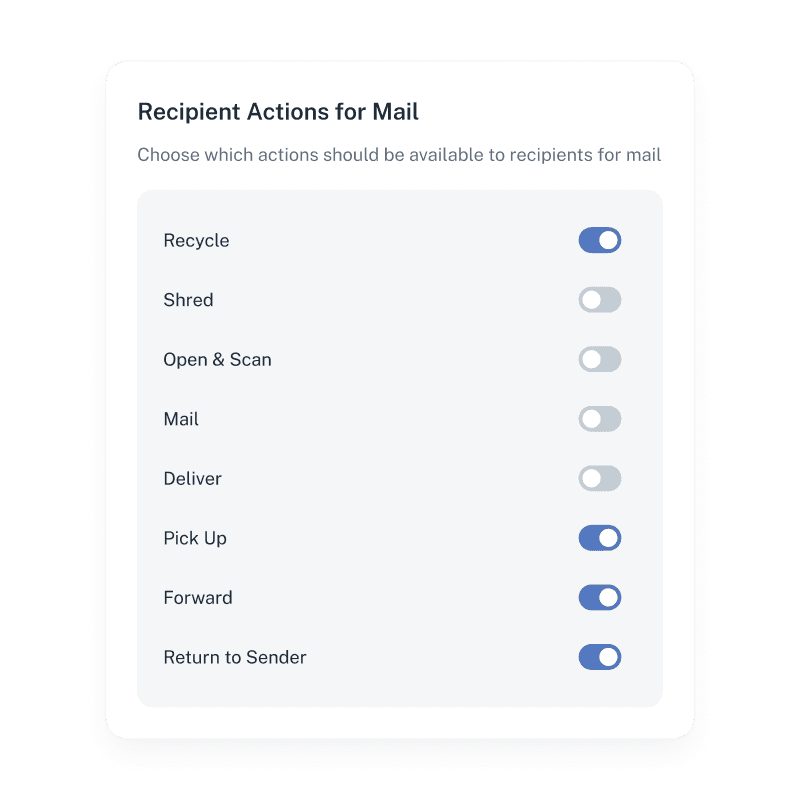
Yes. Received Digital is completely customizable to fit your environment, so your mailroom can choose to enable or disable any of the following actions: Recycle, Shred, Open & Scan, Mail, Pick Up, Deliver, Forward, Return to Sender.

When a recipient wants to see what’s inside an envelope, they can choose for the item to be opened and scanned. This gives the mailroom permission to open the envelope, image the contents, and pass them along to the recipient, all within Received Digital.

Received Digital offers multiple options for proof of pickup and delivery, including signature capture, contactless QR code or ID card scanning, and image capture, giving your organization flexibility while maintaining a clear chain of custody.

We would be happy to give you a complete tour of the application. Click here to schedule your demo!

Get started now!

Schedule a demo with one of our experts to get started.

Schedule a Demo